Bank Reconciliation: A Step-by-Step Guide
Bank reconciliation is the single best habit you can build to catch errors, fraud, and missing transactions before they become a real problem.
By Nasir Khan · August 4, 2026 · 9 min read
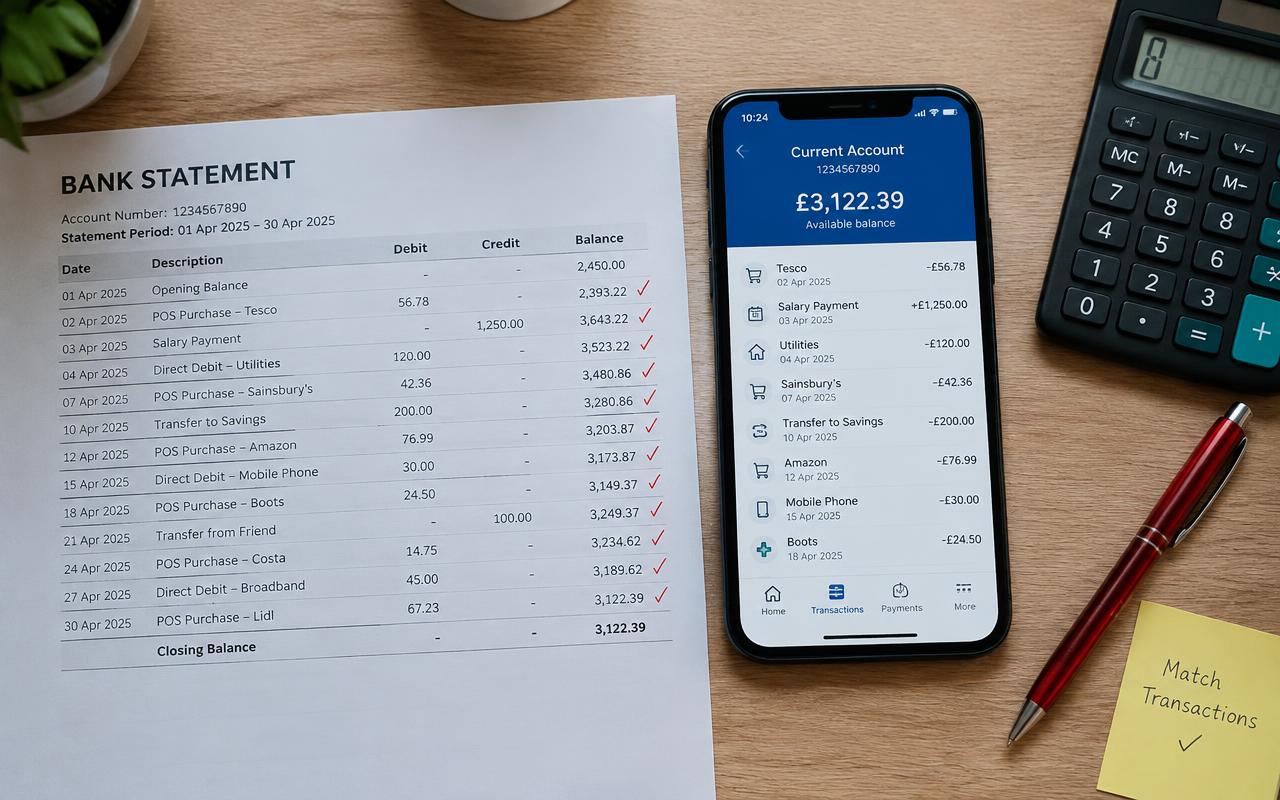
If there's one bookkeeping task you shouldn't skip, it's bank reconciliation. It's the process of comparing your internal financial records against your bank statement to make sure everything matches — and it's often where small errors, duplicate charges, or even fraud first get noticed.
Many small business owners put off reconciliation because it feels tedious, but once you build it into your routine it usually takes less than 30 minutes a month. This guide breaks down exactly what bank reconciliation is, why it matters, and how to do it step by step, whether you're working in a spreadsheet or QuickBooks Online.
What Is Bank Reconciliation?
Bank reconciliation is the process of matching the transactions recorded in your accounting records against the transactions that appear on your bank statement for the same period. The goal is to confirm that your books accurately reflect what actually happened in your bank account — no missing deposits, no duplicate entries, no unexplained differences.
At the end of the process, your reconciled book balance should equal your bank statement balance (after accounting for items like outstanding checks or deposits still in transit).
Why Reconciliation Is Different From Just 'Checking the Balance'
Looking at your bank app and seeing a number that feels right isn't the same as reconciling. Reconciliation is a line-by-line comparison, which is the only way to catch things like a bank fee you forgot to record, a check that never cleared, or a transaction entered twice.
Why this matters
Reconciliation is often the first place accountants or auditors look when something doesn't add up. Staying current on it protects you from surprises at tax time and gives you confidence your numbers are real.
Why Bank Reconciliation Matters
Beyond catching mistakes, regular reconciliation builds a habit of reviewing your business's cash activity closely, which helps you spot fraud, subscription creep, or unauthorized charges quickly. It's one of the core processes covered in our guide on how to do bookkeeping for a small business, and it's a recurring task that belongs on your monthly bookkeeping checklist.
It also matters for tax accuracy. If your books don't match your bank activity, you risk under- or over-reporting income and expenses — a mistake that's hard to untangle months later during tax season.
How to Reconcile Your Bank Account Step by Step
1. Gather Your Statement and Records
Pull your bank statement for the period (usually monthly) and have your accounting software or ledger open side by side. Most accounting platforms, including QuickBooks and Xero, have a built-in reconciliation tool that makes this easier.
2. Compare the Starting Balance
Confirm that the beginning balance in your accounting software matches the beginning balance on your bank statement. If these don't match right away, something from a prior period wasn't reconciled correctly and needs to be resolved first.
3. Match Each Transaction
Go through each transaction on the bank statement and confirm it also appears in your books, and vice versa. Check off each matched item. Pay close attention to:
- Deposits that haven't yet been recorded in your books.
- Checks you wrote that haven't cleared the bank yet (outstanding checks).
- Bank fees, interest earned, or service charges you may not have recorded.
- Duplicate transactions entered twice by mistake.
- Transactions recorded with the wrong amount or date.
4. Investigate Any Discrepancies
If your book balance and bank balance don't match after accounting for outstanding items, don't just force a number to make it balance. Trace the discrepancy back to its source — it's almost always a missing transaction, a data entry error, or a timing difference.
5. Record Adjustments
Once you've identified what caused the gap, record any missing transactions (like bank fees or interest) directly in your books so everything lines up. This step is also a good opportunity to double-check that transactions are sitting in the correct accounts from your chart of accounts.
6. Confirm the Final Balances Match
After adjustments, your reconciled balance in your books should match your bank statement's ending balance, accounting for any outstanding checks or deposits in transit. Most software will show a 'difference' of $0.00 when you're done.
Common Bank Reconciliation Mistakes
Reconciliation errors are one of the more common issues we cover in 10 common bookkeeping mistakes. A few specific to this process include:
- Reconciling infrequently (e.g., once a year) instead of monthly, which makes errors harder to trace.
- Forcing the balance to match by creating an unexplained adjusting entry instead of finding the real cause.
- Ignoring small discrepancies because they seem immaterial — they often point to a bigger issue.
- Not reconciling every bank and credit card account, only the main checking account.
- Skipping reconciliation when business gets busy, which lets errors pile up.
Pro tip
Set a recurring calendar reminder for the same day each month — right after your bank statement closes — so reconciliation never falls through the cracks.
How Often Should You Reconcile?
Most small businesses should reconcile every bank and credit card account monthly, right after the statement period closes. Businesses with higher transaction volume or multiple accounts may benefit from reconciling weekly. Whatever cadence you choose, consistency matters more than frequency — a monthly habit you actually keep up with is better than a weekly plan you abandon after a few tries.
Frequently asked questions
What happens if my bank reconciliation doesn't balance?
An imbalance usually means a transaction is missing, duplicated, or recorded with the wrong amount. Work through your list of outstanding checks and deposits first, then check for bank fees or interest you may not have entered yet.
How long should bank reconciliation take each month?
For a small business with a modest number of transactions, reconciliation typically takes 15–30 minutes once it's a regular habit. It takes longer the first time or if you're catching up on several months at once.
Can accounting software reconcile my bank account automatically?
Software like QuickBooks and Xero can auto-match many transactions when your bank feed is connected, but you still need to review and confirm the matches and manually investigate anything that doesn't line up.
Do I need to reconcile credit card accounts too?
Yes. Any account where money moves in or out of your business — checking, savings, and credit cards — should be reconciled regularly, not just your primary checking account.
What's the difference between an outstanding check and a bounced check in reconciliation?
An outstanding check has been written and recorded in your books but hasn't yet cleared the bank. A bounced check was rejected by the bank due to insufficient funds and needs to be reversed in your records, not just marked as outstanding.
Related guides
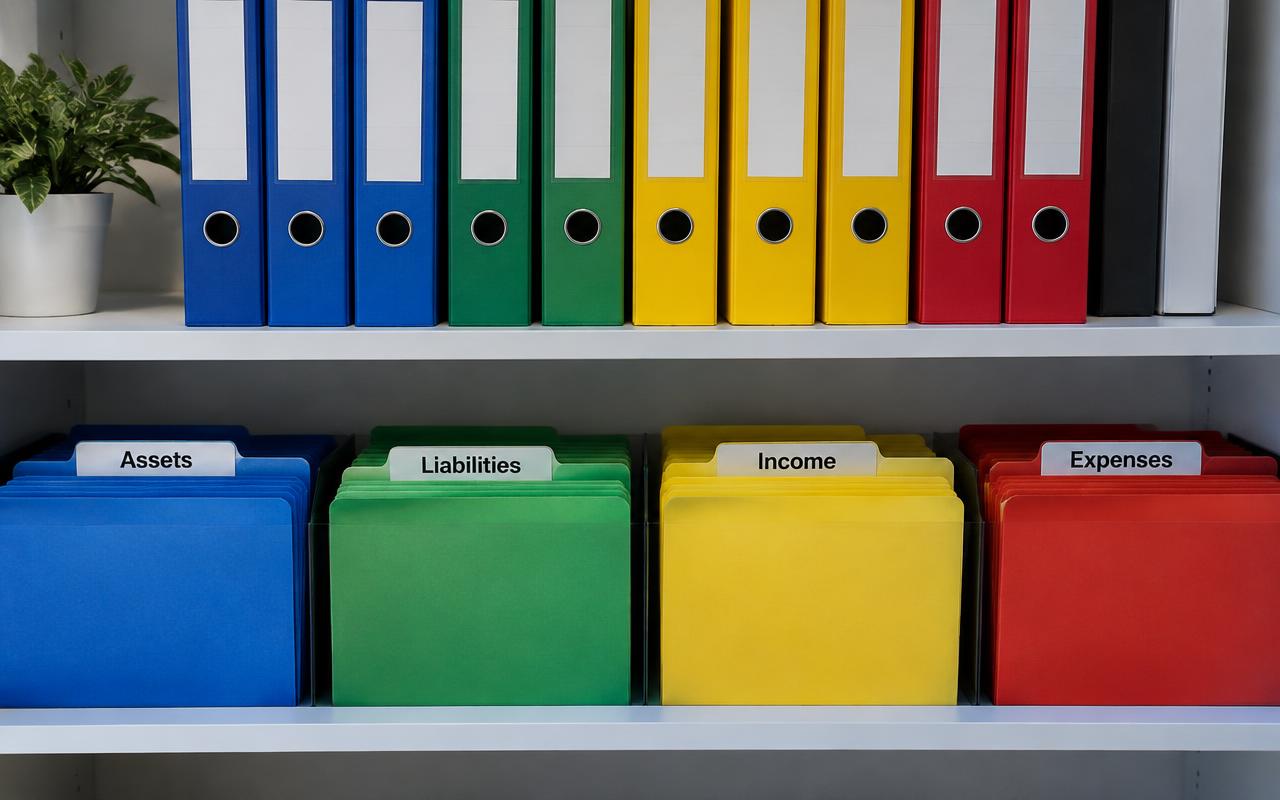
Chart of Accounts: Complete Setup Guide
A well-built chart of accounts is the backbone of accurate books. Here's how to set one up correctly from the start, with real-world examples.

Monthly Bookkeeping Checklist for Small Business Owners
A step-by-step checklist to close your books every month, catch errors early, and always know where your business actually stands financially.

10 Common Bookkeeping Mistakes Small Businesses Make
From mixing personal and business expenses to ignoring bank reconciliation, these common bookkeeping mistakes can cost small businesses time, money, and peace of mind.