Chart of Accounts: Complete Setup Guide
A well-built chart of accounts is the backbone of accurate books. Here's how to set one up correctly from the start, with real-world examples.
By Nasir Khan · July 14, 2026 · 10 min read
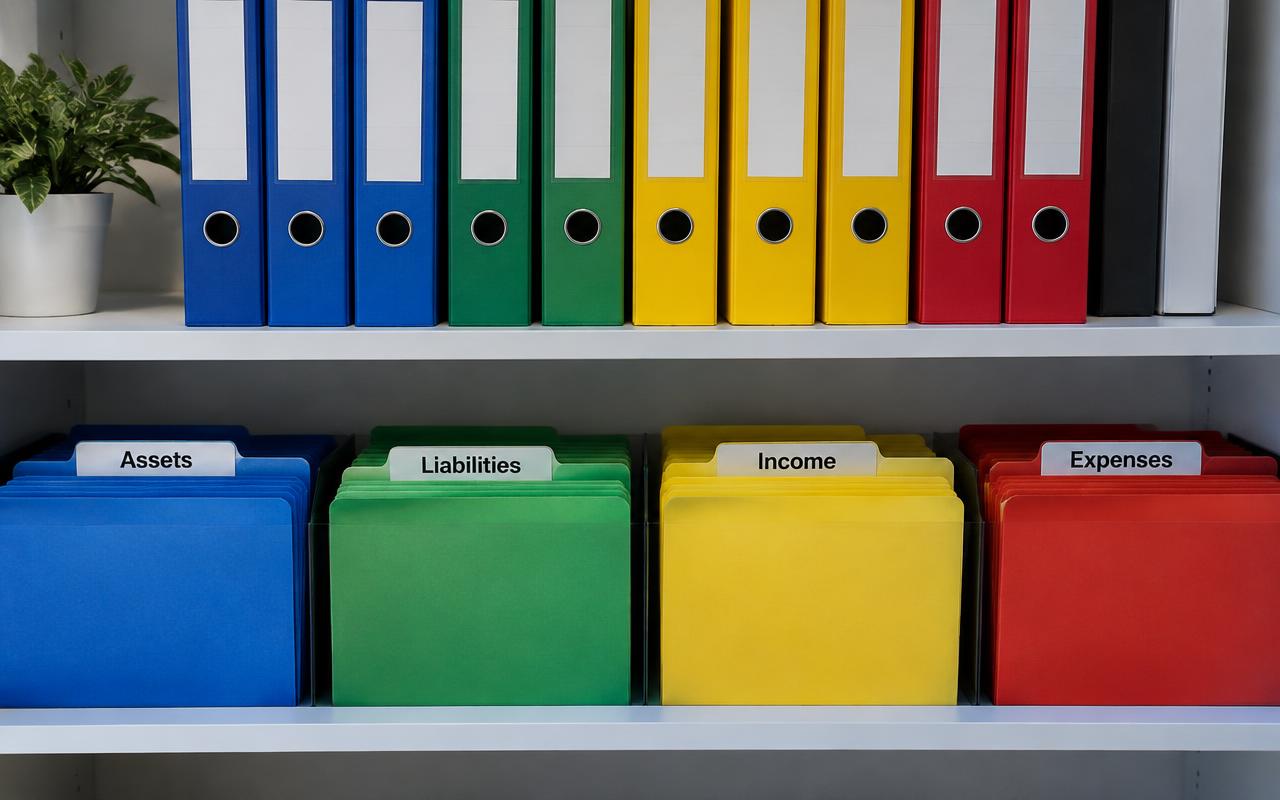
If you've ever opened your accounting software and felt overwhelmed by a long list of account names, you're looking at a chart of accounts. It's one of the most important — and most overlooked — pieces of bookkeeping setup, because every transaction you ever record has to land in one of these buckets.
A poorly organized chart of accounts leads to messy financial statements, confusing tax prep, and reports that don't actually tell you anything useful about your business. The good news: building one correctly isn't complicated once you understand the structure. This guide walks you through exactly how to set one up, whether you're starting from scratch or cleaning up an existing one.
What Is a Chart of Accounts?
A chart of accounts (COA) is a complete list of every account used to categorize your company's financial transactions. Think of it as the filing system for your money — every dollar that comes in or goes out gets sorted into one of these categories so you can later produce a balance sheet, income statement, and other reports.
Each account is typically assigned a number and a name, such as 1000 - Cash in Bank or 5010 - Advertising Expense. The numbering isn't just for show; it groups similar accounts together and keeps your reports organized in a logical order.
The Five Core Account Types
- Assets (1000s): what your business owns — cash, accounts receivable, inventory, equipment.
- Liabilities (2000s): what your business owes — credit cards, loans, accounts payable.
- Equity (3000s): the owner's stake in the business — owner's draw, retained earnings.
- Revenue (4000s): money earned from sales of goods or services.
- Expenses (5000s and up): costs of running the business — rent, payroll, supplies, software.
Quick tip
Assets and liabilities live on the balance sheet, while revenue and expenses live on the income statement. Keeping that distinction straight will help you decide where a new account belongs.
Why Your Chart of Accounts Matters
Your chart of accounts isn't just an administrative detail — it directly shapes how useful your financial reports are. If you lump all expenses into one generic 'Miscellaneous' account, you'll never be able to answer basic questions like 'how much did we spend on marketing this quarter?' A thoughtful structure makes it possible to track performance, spot trends, and prepare taxes without scrambling.
This matters whether you're doing your own books or working with a professional. If you're still deciding who should manage this, our guide on bookkeeping vs accounting explains how the two roles split the work, and our bookkeeper cost guide can help you budget for help if you need it.
How to Set Up Your Chart of Accounts
1. Start With a Standard Template
Don't build from a blank page. Most accounting software (QuickBooks, Xero, Wave) offers an industry-specific starter chart of accounts when you create a new company file. These templates already include the common accounts most businesses need, which saves time and reduces the chance you'll miss something important.
2. Use a Logical Numbering System
A simple and widely used numbering convention looks like this:
- 1000–1999: Assets
- 2000–2999: Liabilities
- 3000–3999: Equity
- 4000–4999: Revenue
- 5000–5999: Cost of Goods Sold
- 6000–7999: Operating Expenses
- 8000–9999: Other income and expenses
Leave gaps between numbers (use 1010, 1020, 1030 instead of 1001, 1002, 1003) so you can insert new accounts later without renumbering everything.
3. Keep It Simple — Don't Over-Categorize
It's tempting to create a separate account for every small expense category, but a bloated chart of accounts becomes just as unhelpful as one that's too generic. A good rule of thumb: if you wouldn't ask 'how much did we spend on this?' as a standalone question when reviewing your financials, it probably doesn't need its own account.
4. Separate Accounts by What You Actually Need to Track
Create distinct accounts for categories you'll want to analyze separately — for example, separating 'Software Subscriptions' from 'Office Supplies' makes sense if you want to monitor your growing SaaS spend. But don't split hairs between categories you'll never look at individually.
Common Chart of Accounts Mistakes
Even experienced business owners run into the same handful of issues when setting up or maintaining their chart of accounts. For a broader list of pitfalls, see our article on common bookkeeping mistakes.
- Creating duplicate accounts with slightly different names (e.g., 'Office Supplies' and 'Office Expense').
- Mixing personal and business expenses in the same accounts.
- Using one giant 'Miscellaneous' account as a catch-all.
- Failing to update the chart of accounts as the business grows or changes.
- Not aligning account categories with how the business actually reports and files taxes.
Sample Chart of Accounts for a Small Service Business
Here's a simplified example you can adapt. It won't fit every business perfectly, but it illustrates the structure in practice.
- 1000 Checking Account (Asset)
- 1100 Accounts Receivable (Asset)
- 1500 Office Equipment (Asset)
- 2000 Accounts Payable (Liability)
- 2100 Business Credit Card (Liability)
- 3000 Owner's Equity
- 3100 Owner's Draw
- 4000 Service Revenue
- 6000 Rent Expense
- 6100 Payroll Expense
- 6200 Software Subscriptions
- 6300 Marketing and Advertising
- 6400 Insurance
Don't forget
Review your chart of accounts at least once a year — ideally during tax prep — to archive unused accounts and add new ones that reflect how your business has changed.
Maintaining Your Chart of Accounts Over Time
Setting up the chart of accounts is only step one. As your business grows, you'll add new revenue streams, expense categories, or even bank accounts. Resist the urge to add new accounts on the fly without thinking it through — a quick pause to ask 'where does this really belong?' keeps your books clean for years.
If you're following a broader process for managing your books month to month, our how to do bookkeeping for a small business guide and monthly bookkeeping checklist both build on the chart of accounts foundation you set up here.
Frequently asked questions
How many accounts should a small business chart of accounts have?
Most small businesses do well with 40–80 accounts. Too few and your reports are too vague to be useful; too many and they become hard to manage. Focus on the categories you actually need to analyze.
Can I change my chart of accounts after I've started using it?
Yes, but do it carefully. Renaming or merging accounts can affect historical reports, so it's best to make major changes at the start of a new fiscal year or with guidance from a bookkeeper or accountant.
Should I use the default chart of accounts in QuickBooks or Xero?
The default templates are a solid starting point, but you should still review and customize them to match your specific business and industry rather than leaving every account exactly as installed.
What's the difference between an account and a category in accounting software?
They generally refer to the same thing — the term 'category' is often used in simpler tools like QuickBooks Self-Employed, while 'account' is the formal term used in full double-entry accounting systems.
Do I need a different chart of accounts for each business I own?
Yes. Each legal business entity should have its own chart of accounts and its own set of books, even if the businesses are related or owned by the same person.
Related guides

How to Do Bookkeeping for a Small Business (Step-by-Step)
Learn the exact steps to set up and run bookkeeping for your small business, even if you've never touched a ledger before.
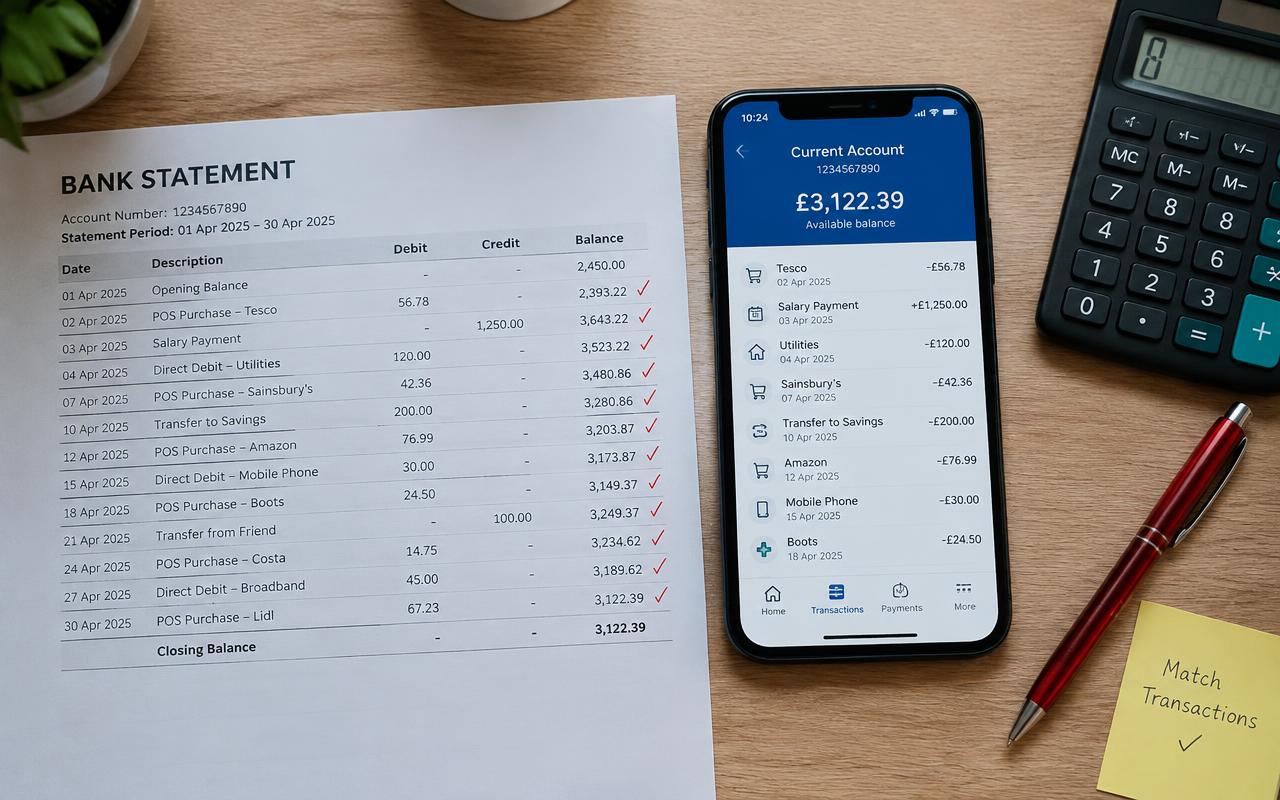
Bank Reconciliation: A Step-by-Step Guide
Bank reconciliation is the single best habit you can build to catch errors, fraud, and missing transactions before they become a real problem.

Monthly Bookkeeping Checklist for Small Business Owners
A step-by-step checklist to close your books every month, catch errors early, and always know where your business actually stands financially.